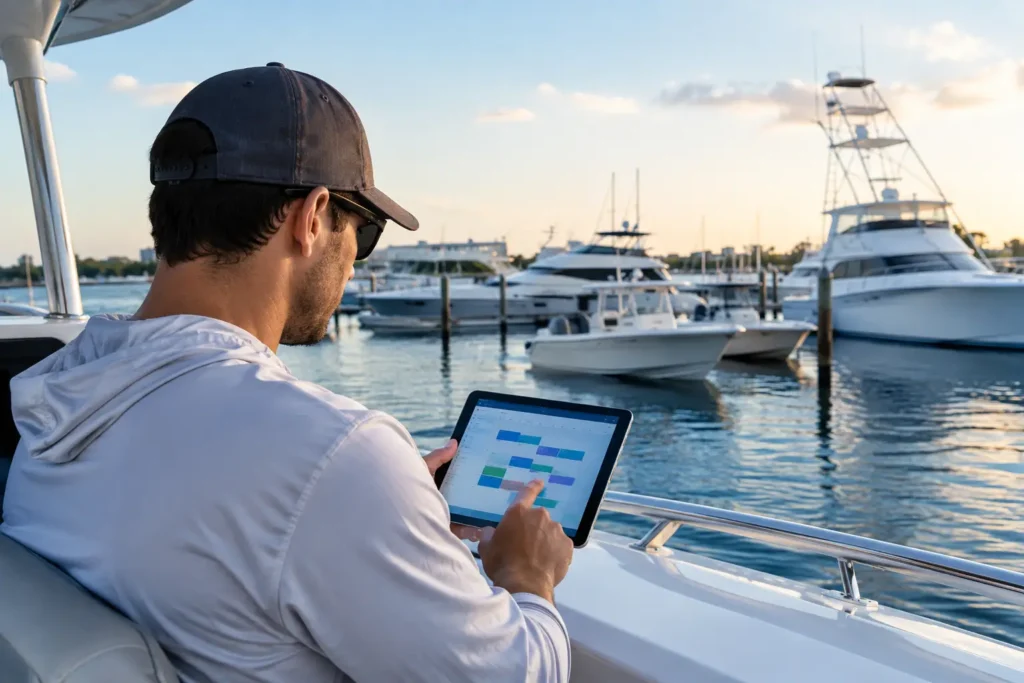
A customer calls from the fuel dock with an engine issue. Your technician needs the vessel history, engine details, previous work, parts availability, and a way to start a job before the boat leaves. That is where marine software versus generic CRM stops being a software-shopping question and becomes an operations question.
A generic customer relationship management system can be useful. It can track leads, emails, customer contacts, and sales activity. But boats are not standard accounts, and marine work does not happen neatly from a desk. A vessel has systems, assets, service history, equipment serial numbers, crew, changing locations, and maintenance needs that follow it long after the original sale.
For a marine business, marina, boatyard, captain, or yacht crew, the right answer depends on the work you are trying to control.
What a Generic CRM Does Well
Generic CRMs were built to help sales teams manage relationships. They are generally strong at recording prospect conversations, assigning follow-ups, tracking opportunities through a sales pipeline, and reporting on sales activity. If your primary need is turning inquiries into booked work, a CRM can bring order to scattered calls, inboxes, and spreadsheets.
That matters for a growing service company. A CRM can show who requested an estimate, when a salesperson last followed up, and which jobs are likely to close this month. For dealerships, charter companies, and marine businesses with a dedicated sales function, those capabilities may be worth having.
The trade-off is that a generic CRM sees the boat mainly as a field attached to a customer record. You can customize it, add forms, create labels, and connect other tools. But every customization takes time to build, maintain, and teach. The more your business depends on vessel-level details, technician workflows, parts, and accounting data, the more workarounds begin to pile up.
A CRM may tell you that the customer owns a 42-foot center console. It may not naturally tell the technician which engine is installed, when its last 100-hour service was completed, which parts were used, who performed the work, or whether the required impeller is sitting on a shelf at the yard.
Marine Software Versus Generic CRM at the Dock
Marine software starts from a different assumption: the vessel is central to the operation. The customer matters, but the boat carries the operational record.
That shift sounds simple, yet it changes how work gets done. When a service request comes in, a marine-specific system can connect the job to the boat, its Hull ID, engines, equipment, prior invoices, service notes, photos, documents, and maintenance schedule. A technician can pull up the information in the field instead of calling the office or digging through old PDFs.
For a captain or crew member, the same principle applies. The vessel record should support actual onboard responsibilities: maintenance planning, watchkeeping, fuel logs, checklists, guest preferences, compliance documents, and handovers between crew. Those are not side notes in a sales process. They are the work.
Marine workflows also have physical realities that generic CRMs rarely account for. A mechanic may be working in a hot engine room with poor connectivity. A crew member may be completing a checklist underway. A service advisor may need to identify an unknown part from a photo, check a distributor catalogue, and create a job while standing beside the vessel. Software built from the water up needs to be mobile-first, fast, and practical in those moments.
Where Generic CRM Creates Friction
A generic CRM is not automatically the wrong choice. It becomes a problem when staff must move the same information through several disconnected systems just to complete routine work.
Consider a common service job. The office enters the customer and opportunity in the CRM. The technician receives details by text message. Time is captured on paper or in another app. Parts are pulled from inventory but recorded later. The final invoice is built in accounting software, often after someone retypes labor and parts. The customer gets an update only when someone has time to send it.
None of those steps are impossible. Together, they create delays, missed billable time, incomplete service records, and a trail of information that is difficult to trust. When the customer calls six months later, the team may know they spoke with them. Finding exactly what happened aboard the boat is another matter.
Customization can reduce some of that friction, but it has a cost. Someone must decide which fields matter, build the workflows, connect the integrations, clean up data, and update the process when the business changes. A generic platform can become a highly customized marine system eventually. The question is whether your team has the time, budget, and operational patience to build it.
What Marine-Specific Operations Need
The best marine software is not merely a database with boat fields added. It should turn dockside activity into accurate records without forcing people to become data-entry clerks.
For service businesses and boatyards, that often means connecting job creation, technician time, work orders, photos, parts, inventory, purchase activity, and invoices in one operational flow. Barcode-based inventory matters because parts move quickly. Two-way QuickBooks sync matters because accounting should not wait for someone to reconcile handwritten notes at the end of the week.
For boat owners, the value is different but just as practical. A boat-management platform should centralize records, maintenance costs, documents, weather, tides, and trusted service-provider connections. Owners should be able to save a receipt, log an issue, and know what work was done without maintaining a second career in filing paperwork.
For large-yacht operations, crew management needs a deeper layer. Captains and crew need consistency across maintenance, safety routines, watchkeeping, guest details, provisioning information, and operational handovers. The goal is not more screens. It is fewer dropped details when the crew changes, the itinerary shifts, or an issue develops at an inconvenient time.
AI Only Matters When It Produces Usable Work
AI is becoming a feature in nearly every business platform. That does not mean every AI feature belongs in a marine operation.
Useful marine AI handles the unstructured information crews and technicians already deal with. A spoken request can become a job. A photo of an engine plate can help capture equipment information. An uploaded document can be read and organized into vessel records. A technician can enter a symptom in plain language and receive diagnostic guidance or a checklist that helps move the job forward.
The standard is simple: does it save time at the dock, in the bilge, or underway? If it adds another review step without improving the record or the next action, it is technology for its own sake.
That is why Yacht Logic approaches AI as operational support, not a replacement for marine judgment. The people closest to the vessel still make the call. The system should remove repetitive admin work around them.
When a Hybrid Approach Makes Sense
Some organizations need both. A larger marine business may use a generic CRM for marketing campaigns, lead scoring, and sales reporting while using marine software to run service delivery, inventory, vessel records, and technician workflows.
This approach works when the handoff between sales and operations is clearly defined. A lead becomes a customer, a vessel record is created, and the operational system becomes the source of truth for the work performed. Trying to make two systems own the same job data usually leads back to duplicate entry.
Smaller shops may be better served by choosing the operational platform first. If the team is answering phones, managing work orders, ordering parts, billing customers, and performing repairs, the system that makes service delivery easier will usually have the greater daily impact. Sales follow-up still matters, but a booked job is only valuable if the team can execute it profitably.
Choose for the Work, Not the Demo
Before selecting any platform, walk through a real job from the first customer call to the paid invoice. Include the vessel details, technician dispatch, time entry, parts pull, customer approval, service notes, photos, invoice, and future maintenance reminder. Then ask how many times your staff would need to re-enter information or leave the system to finish the work.
If the answer is often, the software may look polished in a demo but create friction where your team actually operates. The best system is the one your people can use with dirty hands, limited time, and a customer waiting at the dock.
Your boat, your records, your control. Choose the tools that respect all three – and that help your team spend more time maintaining vessels and less time maintaining software.