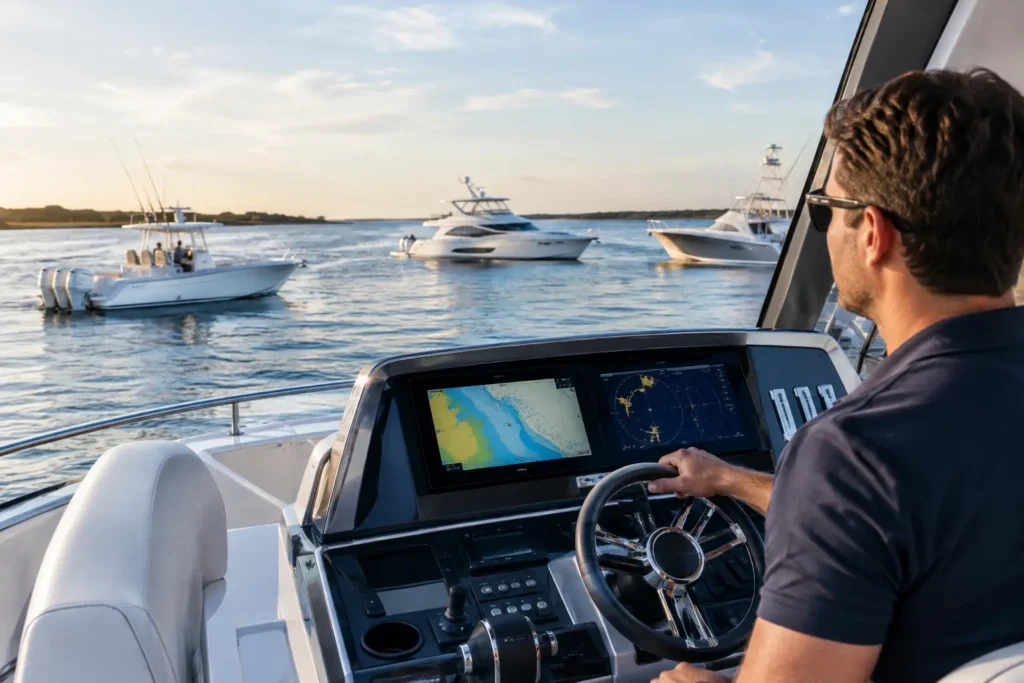
A customer is waiting at the fuel dock. The engine alarm is intermittent, the service history is spread across old invoices, and the part number is somewhere in a technician’s phone photos. That is exactly where a mobile app for marine technicians earns its keep: not at a desk after the job, but beside the vessel while the work is happening.
Marine service is rarely clean or linear. Technicians move between marinas, boatyards, customer docks, and vessels with limited connectivity. Work orders change when the hatch opens. A simple impeller replacement becomes a cooling-system diagnosis, and a missing hose clamp can turn a two-hour visit into a return trip. The right app does not remove those realities. It gives the technician a faster, traceable way to capture what happened and keep the office, customer, inventory, and next service step aligned.
Why a Marine Technician Needs More Than a Generic Field App
Most field-service software was built around houses, HVAC units, or construction sites. Marine work has different pressure points. A boat may have multiple engines, generators, air-conditioning systems, pumps, electronics, and equipment with separate maintenance intervals. A technician needs to identify the correct vessel, asset, serial number, and service history before recommending work.
The job also happens in environments that are hard on paper and harder on disconnected systems. Hands are wet. Lighting is poor. Wi-Fi may be unreliable. The technician may be standing in an engine room with a customer calling from another state and an office team trying to schedule the next stop.
A practical marine app should be built for that moment. It should let a technician pull up the vessel record, start time, document findings, attach photos, add parts, and close out work without rebuilding the same information later. That is not a convenience feature. It protects billable hours and creates records the business can stand behind.
What a Mobile App for Marine Technicians Should Handle
The best mobile tools reduce the number of times information has to be written, repeated, or interpreted. That means the workflow needs to follow the job from intake through invoice, rather than treating mobile time tracking as a separate add-on.
Start the job with the right vessel context
Before touching a wrench, a technician should be able to see the boat’s profile, Hull ID, equipment list, open work orders, prior notes, and service history. This matters when two customers own similar center consoles but have different engine packages, warranty status, or recurring issues.
Vessel-specific records also make handoffs cleaner. If one technician diagnoses a charging problem and another returns with parts, the second technician should not have to begin from scratch. Clear notes, photos, readings, and recommendations make the next visit more productive and give the customer confidence that the team knows their boat.
Capture time while work is actually being performed
Manual timesheets create a predictable problem: technicians try to reconstruct the day at 5:30 p.m. from memory, text messages, and work-order scraps. Small gaps add up, especially when travel, diagnostic time, wait time, and job interruptions are involved.
Mobile time tracking should make it simple to start, pause, transfer, and complete work against the correct job. The goal is not to watch technicians. It is to create an honest record of labor that supports accurate billing, better scheduling, and clearer job costing.
There is a balance to strike. A system with too many required taps will be ignored when a technician is climbing into a bilge. The best workflow is quick enough for the dock but detailed enough for the office.
Turn photos, voice notes, and symptoms into usable records
Marine technicians often diagnose with evidence that does not fit neatly into a form: a photo of corrosion at a connection, a video of an engine at idle, a customer’s description of a vibration, or a warning light that appears only under load.
A mobile app should let technicians capture that information in context and attach it to the vessel and job. AI can be useful here when it turns a spoken note into a job description, organizes a photo-based record, or helps structure symptoms into a diagnostic starting point. It should support professional judgment, not pretend to replace it.
That distinction matters. No app can hear every bearing, smell every overheated belt, or understand the history behind a captain saying, “It only does it after a long run.” Good technology preserves those observations and makes them available to the people who need them.
Manage parts without creating inventory confusion
Parts are where profitable jobs can quietly become expensive. A technician may pull a filter, relay, hose, or anode from a truck or shop shelf, then forget to record it until days later. The office may order a duplicate part because inventory was never updated. The customer receives an invoice that does not match the work performed.
Barcode-based inventory workflows help connect the physical part to the job record. A technician can scan an item, assign it to the work order, and update stock without calling the office. When connected to distributor catalogues and purchasing workflows, the team can identify the right replacement faster and reduce avoidable return trips.
Not every business needs the same level of inventory control. A one-technician mobile operation may need simple parts capture first. A multi-location service company with stocked trucks, warehouse bins, and seasonal volume needs stronger controls. The mobile app should scale with the operation instead of forcing everyone into a warehouse-level process on day one.
The Office Should Not Have to Rebuild the Technician’s Day
The value of a mobile workflow is lost if someone in the office has to re-enter every note, time entry, part, and customer update. That is where errors enter the process and invoices slow down.
A connected marine operations platform allows completed field work to flow into estimates, invoices, customer communications, and accounting. Two-way QuickBooks sync can help prevent duplicate entry, but only if job and customer data are organized correctly from the start. Syncing messy records faster does not fix the underlying workflow.
For service managers, the payoff is visibility. They can see which jobs are underway, what parts are used, where technicians are spending time, and which work orders are waiting on approval or materials. For technicians, the payoff is fewer calls asking for a status update they already provided at the boat.
For customers, it means clearer service documentation. A completed job can show what was found, what was repaired, what parts were used, and what should be monitored next. That kind of record becomes especially valuable at resale, during warranty discussions, or when a different technician services the boat next season.
Built for the Dock, Not Adapted to It
Marine businesses do not need another generic app with a boat icon added to the login screen. They need software that recognizes the difference between a customer contact and a vessel record, between a part number and an engine plate, and between a scheduled service call and the reality of a job that changes underway.
Yacht Logic Pro is built from the water up for those workflows. It connects job creation, technician time, service records, inventory, diagnostic guidance, and accounting processes in a system designed for the way marine teams actually operate. The focus is practical: less paperwork, fewer missed details, and a cleaner path from work performed to work billed.
A captain-built approach also respects the fact that not every user sits in the office. The person making the most important update may be on a swim platform, in a machinery space, or standing beside a trailer at a boatyard. Mobile-first design is not a feature list. It is an operating decision.
Choosing the Right App for Your Service Team
Before committing to a platform, walk through a real job from the first customer call to the final invoice. Can the office create the work order with the right vessel and equipment details? Can the technician access it quickly from a phone? Can they document labor, findings, photos, parts, and recommendations without duplicate entry? Can the office review, invoice, and reconcile the job without chasing paper?
Also test it in the conditions that matter. Try it outside, with gloves on, in a poor-signal area, and during a job that requires a second visit. A polished demo can look good in a conference room while failing at the dock.
The right mobile app will not make marine service predictable. It will make your response to the unpredictable more organized, more accountable, and easier to bill. Start with the workflow your technicians live every day, then choose technology that is ready to work where they work.