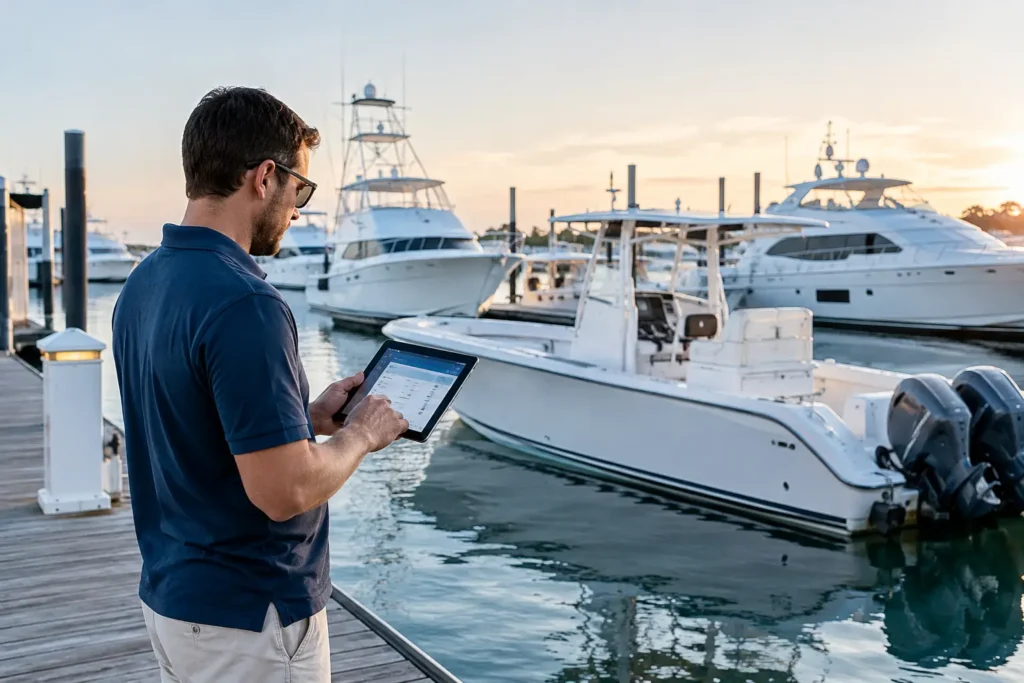
A vessel can be spotless, mechanically sound, and ready for a perfect weekend until someone asks for the registration, insurance policy, sanitation certificate, or proof of a recent engine service. Then the hunt begins: a faded folder under a berth, photos buried in a phone, and an invoice somewhere in an email inbox.
Knowing how to organize vessel paperwork is less about creating a beautiful filing cabinet and more about being able to prove, find, and act on the information that keeps your boat legal, maintained, insured, and valuable. The right system should work at the dock, in a survey, during a sale, and at 6:30 a.m. when a technician needs an engine serial number.
Start With One Vessel Record, Not a Stack of Papers
The first rule is simple: paperwork belongs to the vessel, not to the drawer, glovebox, captain’s bag, or previous owner’s email account. Create one master vessel record with a physical component and a digital component. Neither replaces the other.
Your onboard file should hold documents you may need immediately, including current registration or documentation, proof of insurance, radio licenses where applicable, towing details, and emergency contacts. Keep originals and sensitive documents protected from moisture in a clearly labeled, waterproof folder or binder. A laminated copy of key numbers can be useful, but it is not a substitute for the real document.
Your digital record is where the system earns its keep. It should hold searchable copies of every document, receipt, manual, photo, and service report. A phone is useful for capturing information, but it is a poor long-term filing cabinet. Phones get replaced, damaged, and filled with thousands of unrelated photos. Store vessel files in a dedicated platform or organized cloud location that can be accessed by the owner, captain, or authorized crew when needed.
Build Four Paperwork Categories That Make Sense
Do not create 40 folders on day one. Most recreational vessels and many working boats can be organized under four categories, then expanded only when the volume demands it.
- Legal and compliance: registration, Coast Guard documentation, state decals, insurance, tax records, radio documentation, safety inspection reports, licenses, and any charter or commercial certifications.
- Ownership and value: bill of sale, title history, lien releases, purchase survey, financing papers, appraisals, refit records, and upgrade receipts.
- Maintenance and operations: engine and generator service, haul-outs, bottom paint, repairs, fuel records, maintenance schedules, diagnostic notes, work orders, and technician reports.
- Equipment and reference: owner’s manuals, wiring diagrams, engine plates, serial numbers, warranties, parts lists, electronics guides, and vendor contact information.
For a center-console used on weekends, those four folders may be all you need. For a larger yacht, create subfolders by system: propulsion, generators, HVAC, tender, electronics, plumbing, safety gear, and interior. The point is not to mimic a shipyard archive. The point is to let a new captain, mechanic, surveyor, or family member locate the right record without needing a guided tour of your filing habits.
Use a Naming System That Works Under Pressure
File names are the difference between useful records and digital clutter. “Invoice Final NEW.pdf” tells you nothing three years later. A consistent filename tells the story before you open the file.
Use this format: `YYYY-MM-DD – System or Vendor – Work Performed – Amount or Reference`.
For example: `2026-04-18 – Cummins – 1,000-Hour Engine Service – Invoice 48391.pdf`. A haul-out might read: `2026-10-02 – Seaside Boatyard – Bottom Paint and Zinc Replacement.pdf`.
Put the date first so files sort in chronological order. Name equipment manuals by manufacturer and model, such as `Garmin GPSMAP 1243xsv Manual.pdf`, rather than simply `Garmin Manual.pdf`. For photos, include both the system and reason for the image: `Port Engine – Oil Leak Before Repair.jpg` is useful evidence. `IMG_4829.jpg` is not.
This discipline feels fussy for about two weeks. Then an insurance claim, warranty question, or resale conversation makes it look like common sense.
Scan Before You File, Then Keep Only What Matters
Paper accumulates fast on boats because every service visit, parts purchase, and marina stay produces another receipt. Do not wait until winter layup to sort it. Scan or photograph documents when they arrive, confirm that the image is readable, name it, and file it into the correct category.
After it is safely stored, decide whether the original needs to remain onboard, stay at home, or be discarded. Keep originals for ownership documents, titles, lien releases, warranties that require original paperwork, and any records your lender, insurer, or jurisdiction requires. Most routine invoices can be retained digitally once you have verified the image and backed it up.
Be selective with manuals. You do not need three copies of a generic bilge pump pamphlet. Keep the manual for the exact installed model, the warranty record, and the purchase or installation information. If equipment is replaced, move the old records to an archive folder rather than mixing them with the current system. That saves real time when troubleshooting or ordering parts.
Turn Service Records Into Maintenance Intelligence
A stack of invoices proves money was spent. A useful maintenance history explains what was done, why it was done, what parts were used, and when the work is due again.
Each maintenance record should capture the service date, engine hours or mileage where relevant, technician or vendor, work completed, parts installed, cost, and next recommended interval. Add a brief note if a problem is recurring. For example, “Starboard generator raw-water pump replaced for second time in 18 months” gives the next technician a far better starting point than an invoice alone.
Record serial numbers and engine plate information early, before access gets difficult or corrosion makes labels unreadable. Photograph those plates, label the photos clearly, and place them in the equipment folder. The same applies to batteries, air-conditioning units, watermakers, electronics, and major safety equipment.
For professional operators, connect paperwork to the work order whenever possible. A technician’s labor, parts consumed, photos, diagnostic notes, and customer approval should live together. Separating those details across paper tickets, texts, and accounting software creates gaps that cost time and invite disputes.
Keep an Onboard Grab Folder
Digital records are excellent until the battery is flat, the signal is weak, or a boarding officer is standing on the dock. Maintain a slim grab folder with only current, high-priority documents. It should be easy to find and obvious to anyone operating the vessel.
Review it before the season, before a long trip, and after an ownership, insurance, or registration change. Remove expired policies and old registration copies so no one presents the wrong document by accident. If your vessel travels between states, crosses borders, charters, or carries crew, the contents may need to be more extensive. That is one of those areas where local rules and your operating profile matter more than a one-size-fits-all checklist.
Assign Ownership and Set a Review Rhythm
Paperwork systems fail when everyone assumes someone else updated them. On a family boat, one owner should be responsible for the master record, even if a spouse, captain, or mechanic contributes documents. On a larger yacht, assign responsibility by workflow: the captain may control compliance files, the engineer maintains machinery records, and the purser or manager handles vendor and financial documents.
Set a 15-minute monthly review. File new invoices, check upcoming expirations, update maintenance entries, and confirm that current records are backed up. Before haul-out, survey, hurricane season, or a sale, perform a deeper review. Those are the moments when missing documentation becomes expensive.
Avoid the tempting shortcut of keeping everything only in email. Vendor invoices get lost when staff change, email search is inconsistent, and a mailbox does not show a vessel’s full operating history. Likewise, avoid a physical binder with no backup. Water has a sense of humor, and it usually shows up around paperwork.
A purpose-built vessel management app can make this routine lighter by keeping documents, maintenance costs, equipment details, and service history tied to the boat itself. Yacht Logic Connect, for example, is designed to turn photos, uploaded files, and operating notes into records you can actually use dockside.
The best paperwork system is not the most complicated one. It is the one you will update after each service call and trust when someone asks, “Do we have that record?” Build it around the way your vessel actually operates, keep the critical documents within reach, and let every invoice add to the boat’s history instead of disappearing into the bilge of forgotten files.