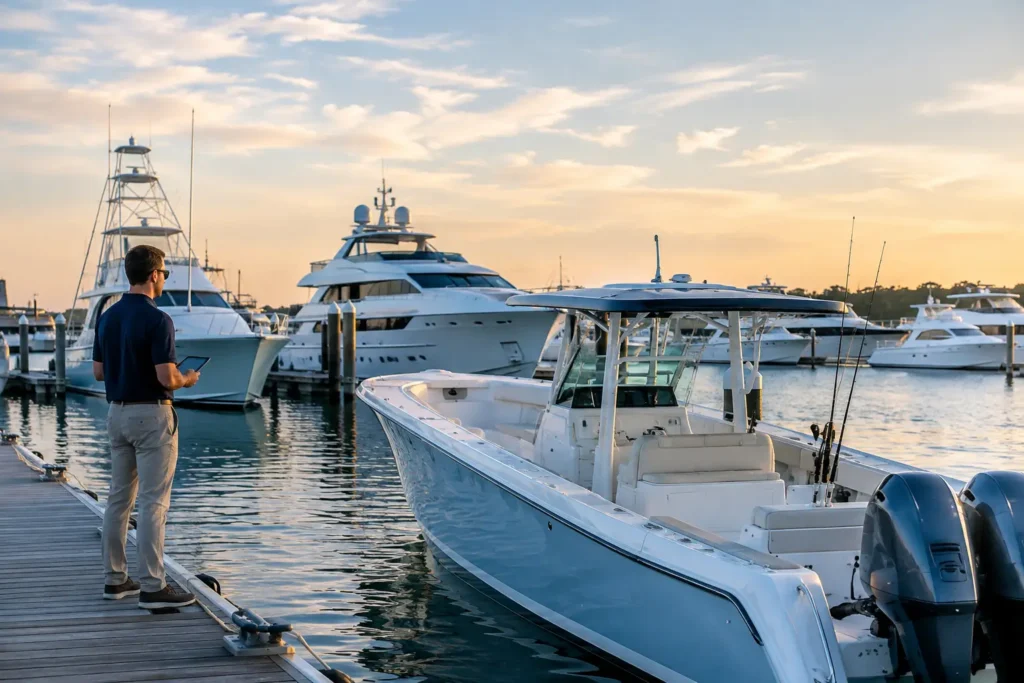
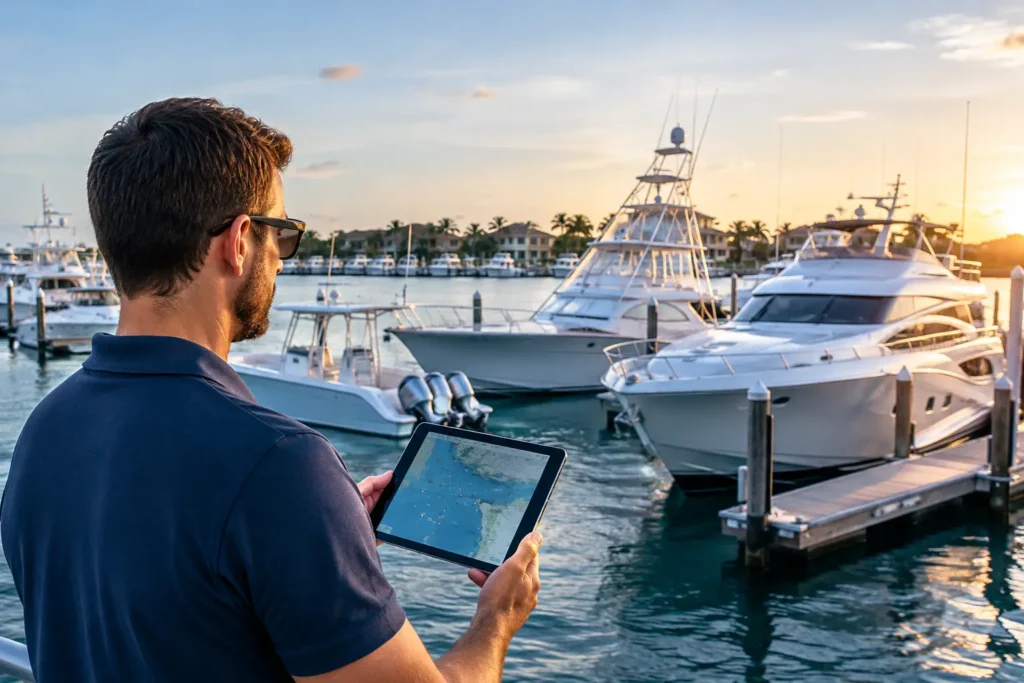
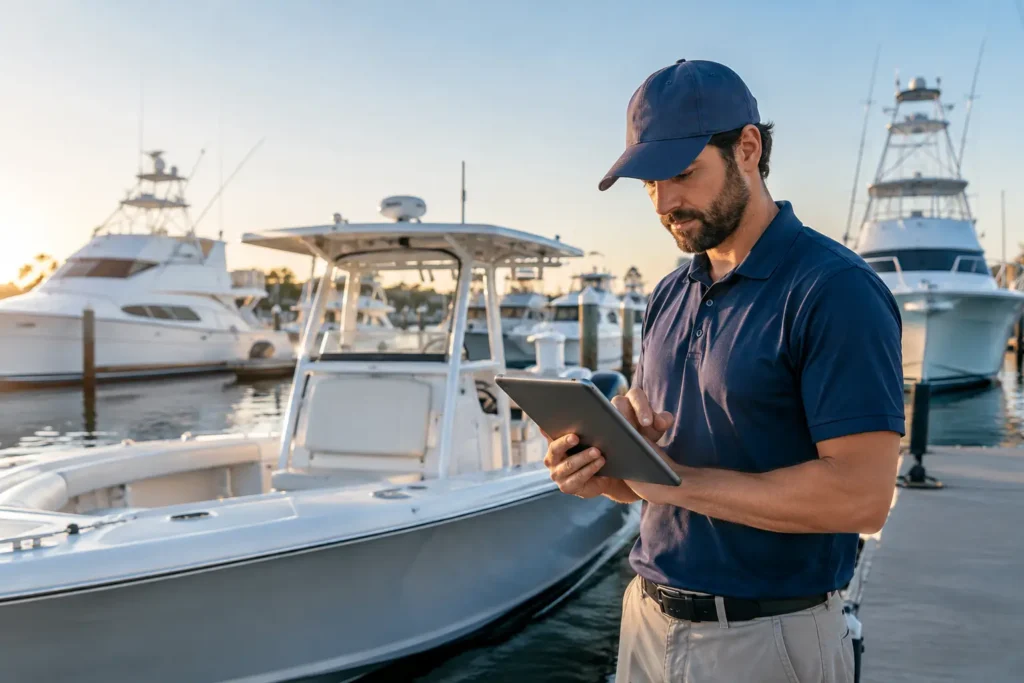
A technician has grease on both hands, a captain is trying to close out a fuel log before departure, and an owner wants to know what last month’s maintenance actually cost. That is where marine automation earns its place. Not in a dashboard for its own sake, but in the moments when a vessel needs accurate information, a clear next step, and less paperwork standing in the way.
For boat owners, yards, service teams, and yacht crews, the objective is straightforward: get work recorded while it is happening, keep records tied to the right vessel, and make that information useful the next time something needs attention. Built from the water up, good automation supports the job without asking the crew to become software administrators.
What Marine Automation Should Actually Do
Marine operations produce a steady stream of small but consequential data: engine hours, invoices, parts used, technician notes, photos, inspection results, guest preferences, fuel quantities, and weather conditions. When those details live in text threads, paper work orders, spreadsheets, and individual memories, they are difficult to trust and even harder to act on.
Marine automation connects those details to the workflow that created them. A photo of an engine plate can become equipment data. A spoken service note can become a job update. A barcode scan can reduce inventory on hand and attach the part to a work order. A completed checklist can create a traceable record rather than another piece of paper clipped to a binder.
The distinction matters. Digitizing a form only moves paperwork to a screen. Automation uses the information already being captured to reduce duplicate entry, trigger the next task, and make the vessel’s history easier to find.
For a recreational boater, that may mean receiving a maintenance reminder based on actual engine hours and seeing the full cost history before approving a repair. For a service business, it can mean creating a job from a customer request, tracking technician time dockside, and sending clean financial data to QuickBooks without re-keying every line item. For a large-yacht crew, it may mean watchkeeping logs, recurring checks, and handovers that remain clear across changing shifts.
Where the Time Goes Without Automation
Most marine teams do not lose time in one dramatic failure. They lose it in dozens of handoffs. The service writer deciphers a technician’s note. A captain searches old emails for a warranty document. A parts manager discovers a needed impeller was used last week but never removed from inventory. The owner calls because an invoice has no explanation beyond “service completed.”
These gaps create more than administrative frustration. They affect scheduling, cash flow, safety, customer confidence, and the ability to make smart maintenance decisions. A missed record can lead to duplicate work. Incorrect inventory counts can delay a repair at the dock. Incomplete labor tracking makes it difficult for a marine service business to see which jobs are profitable.
The right system reduces friction in four practical places:
- Job intake and work orders: Convert calls, texts, photos, and voice notes into structured jobs with vessel details, assigned work, and visible status.
- Field labor and parts: Let technicians clock time, add notes, scan barcodes, and document work from a phone without waiting to return to a desk.
- Vessel records and maintenance: Keep documents, service history, receipts, equipment details, and maintenance costs attached to the correct boat.
- Crew and operational logs: Standardize recurring checks, fuel entries, watchkeeping, and handovers so the next person starts with facts, not guesses.
Automation is not a replacement for judgment. A technician still diagnoses the problem. A captain still decides whether conditions are safe. The software handles the repetitive transfer of information so skilled people can spend more time on the decisions that require experience.
Marine Automation Works Best When It Starts Mobile
The work happens in engine rooms, on swim platforms, at fuel docks, in boatyards, and underway. That makes mobile-first design a requirement, not a feature request.
A system that depends on someone returning to an office computer after a long day will eventually collect late entries, missing details, and shortcuts. The record is freshest when the technician finishes the task, when the crew member completes the round, or when the owner receives the invoice. Capture it there.
This is also where AI can be genuinely useful. It should not be a novelty chat box bolted onto a marine application. It should help turn unstructured field information into usable operational data. A mechanic might photograph a component, describe a symptom, and receive organized diagnostic guidance or suggested job details. A captain may upload a document and extract the information needed for the vessel file. A crew member can dictate a note instead of typing it while moving through a busy day.
The test is simple: does the tool remove a step, prevent an error, or make the record more complete? If it creates another screen to manage, it is not helping.
The Trade-Off: Standardization Without Losing Context
Marine work is rarely identical from boat to boat. A center console with twin outboards does not operate like a 145-foot yacht, and neither should its workflow. Overly rigid software forces every job into the same template, which leads people back to side notes and workarounds.
At the same time, total flexibility creates disorder. If every technician names labor, parts, and service items differently, reports become unreliable and inventory becomes impossible to manage at scale.
The answer is controlled flexibility. Standardize the information that needs to be consistent: Hull ID, vessel profile, equipment records, labor categories, parts, recurring maintenance intervals, and financial fields. Leave room for the context that makes each job understandable: photos, condition notes, customer concerns, diagnostic findings, and recommendations.
A good platform also recognizes that different users need different views. Boat owners need control of records, costs, weather, tides, and trusted service connections. Service managers need job status, labor visibility, inventory accuracy, and two-way QuickBooks sync. Captains and crew need operational checklists, clear handovers, and accountability without excess reporting.
One connected ecosystem can serve all three, but it should not make every user navigate the same screen or speak the same operational language.
How to Introduce Automation Without Disrupting the Operation
The quickest way to make a software rollout fail is to ask a team to change every process at once. Start with the pain point that is costing the most time or creating the most risk.
For a service company, that may be technician time tracking and job updates. Once labor is captured accurately in the field, adding parts and invoicing becomes easier. For a boat owner, the starting point may be centralizing service documents and maintenance costs before setting up reminders. For a yacht crew, recurring checklists and watchkeeping can create immediate consistency before expanding into guest preferences or fuel reporting.
Choose one workflow, run it with real jobs for a few weeks, and identify where people hesitate. Is the required information hard to find? Are fields asking for data nobody uses? Is the phone workflow slower than the old method? Those are operational design problems worth fixing early.
Training should be short and based on actual dockside scenarios. Show a technician how to open a job, track time, add a part, and close the work order. Show a captain how to find the last service record before a trip. A useful system should make sense to the person holding a phone in the rain, not only to the manager watching a demonstration.
Better Records Create Better Decisions
The long-term value of automation is not simply fewer keystrokes. It is a vessel history that can be trusted.
When records are complete, owners can see whether a maintenance pattern is becoming expensive. Service managers can compare estimated and actual labor. Captains can review equipment history before a failure becomes a departure-day problem. Crews can hand off responsibility with a clear record of what was checked, what changed, and what still needs attention.
That is why Yacht Logic approaches marine operations as connected work rather than separate apps for maintenance, service, inventory, and crew administration. The real value is in the handoff: a vessel record that informs the job, a job that captures labor and parts, and a completed task that strengthens the vessel’s operating history.
Start with the work your team repeats every day. If a process requires someone to copy the same information twice, search three places for a record, or rely on memory after the boat leaves the dock, it is ready for a better way. The goal is not more technology onboard. It is more control, clearer records, and more time spent keeping the vessel ready.